Seed phrases, off your camera roll.
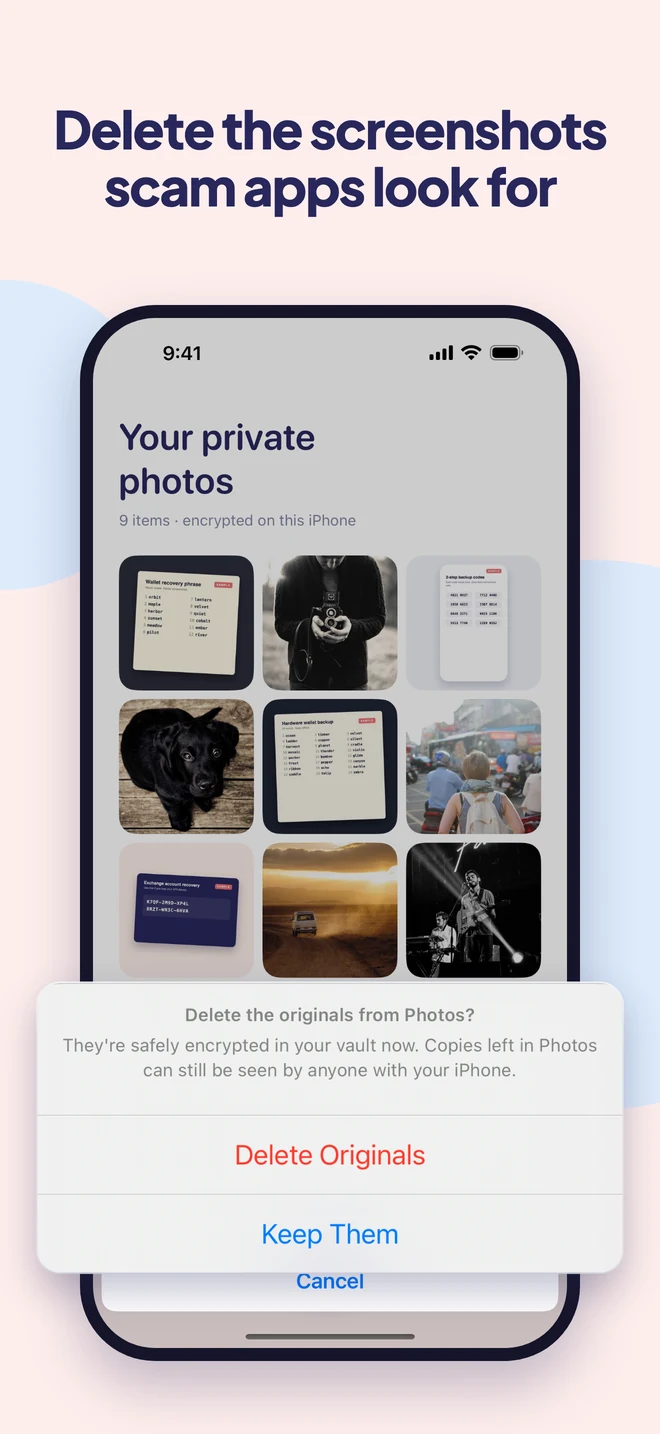
A screenshot of your recovery phrase is exactly what scam apps look for. Move it into a vault that’s encrypted on your iPhone, and delete the original.
- Encrypted on your iPhone
- No account
- No ads or tracking
What people keep in it
The screenshots that should never sit in Photos.
-
Recovery phrases
12 or 24 words that unlock your wallet. Too important to leave in a camera roll.
-
2-step backup codes
The codes that get you back in when you lose your authenticator.
-
Exchange recovery keys
Account recovery keys and the setup screens you were told to save.
-
Wallet screenshots
Addresses, QR codes and settings you want handy, but private.
A closer look
Encrypted, not just hidden.
Why Easy Vault
Peace of mind, without the fuss.
Out of reach of photo scanners
In 2025, malware found in app stores scanned photo libraries for recovery phrases. Encrypted files in Easy Vault are just noise to other apps.
Encrypted, not hidden
Every file is encrypted on your iPhone with a key only you hold. No account, no server, nothing for anyone to leak.
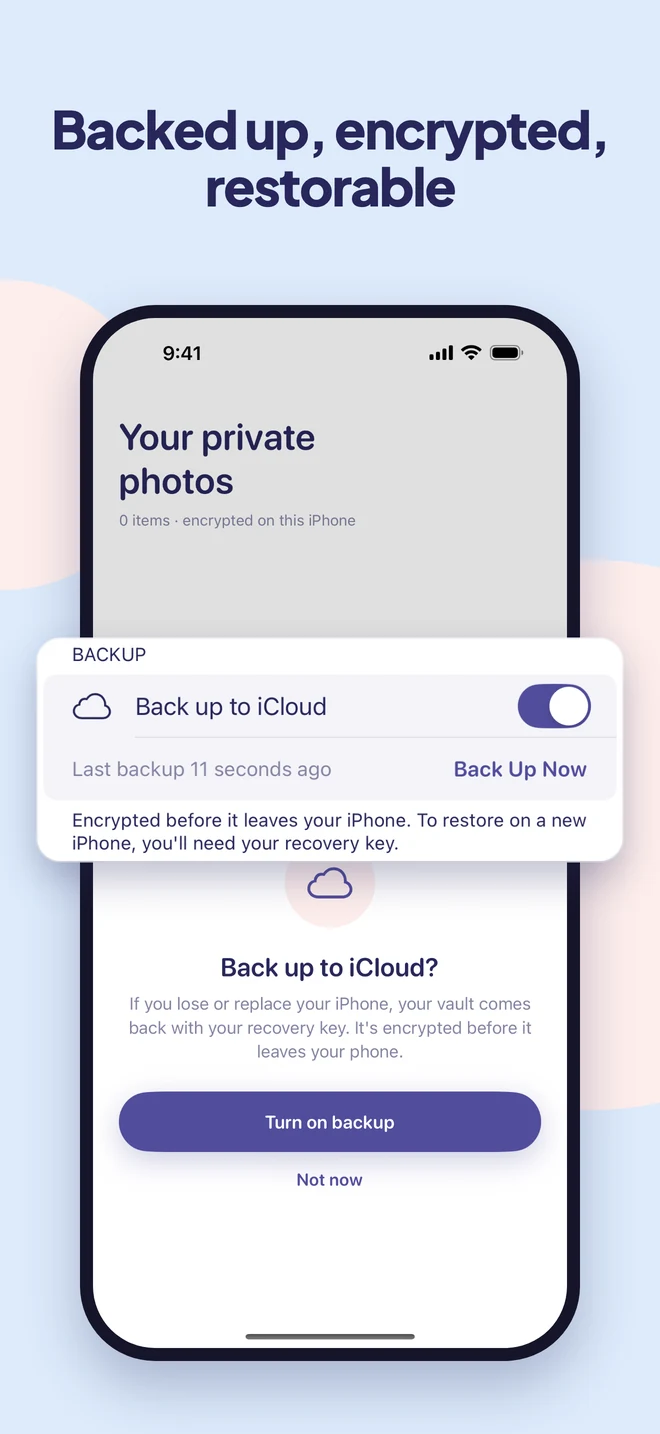
Backed up, still encrypted
Turn on iCloud backup and restore on a new iPhone with your recovery key. Apple only ever stores scrambled data.
How it works
Set up in a minute.
Choose your lock
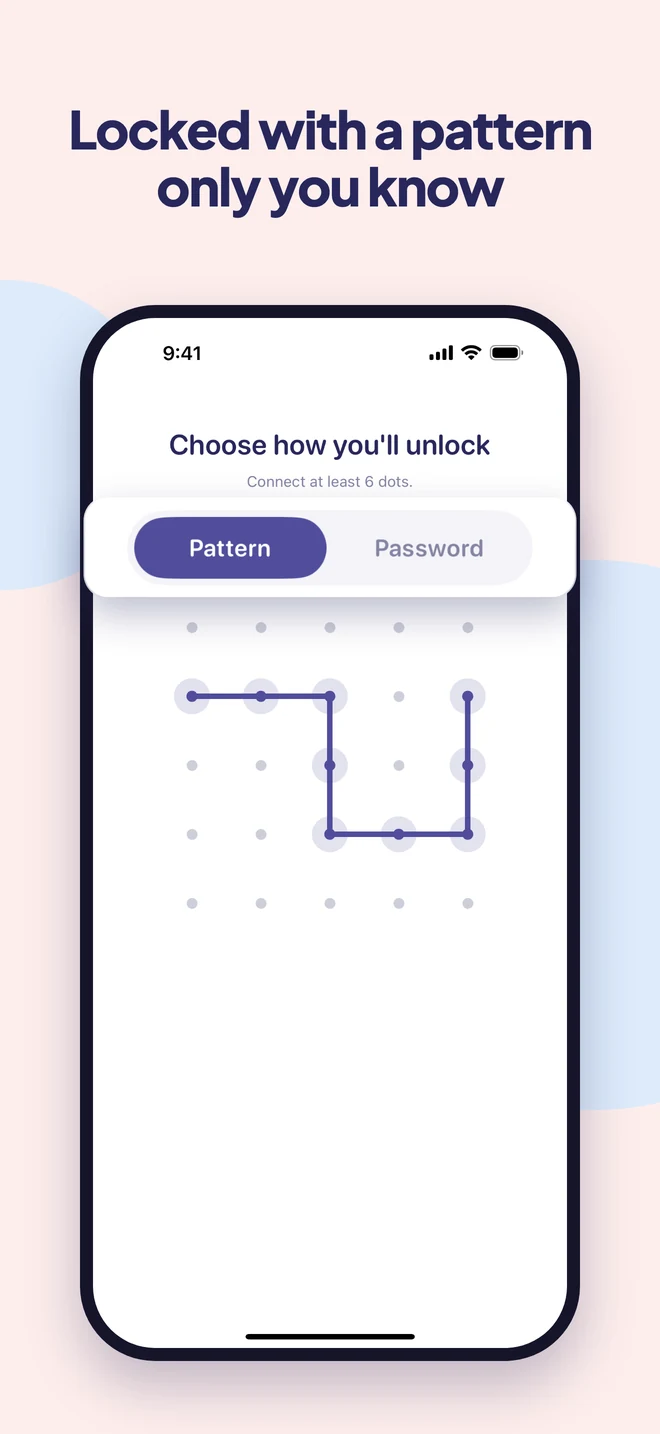
Draw a pattern or pick a password. Face ID can do the everyday unlocking.
Add your screenshots
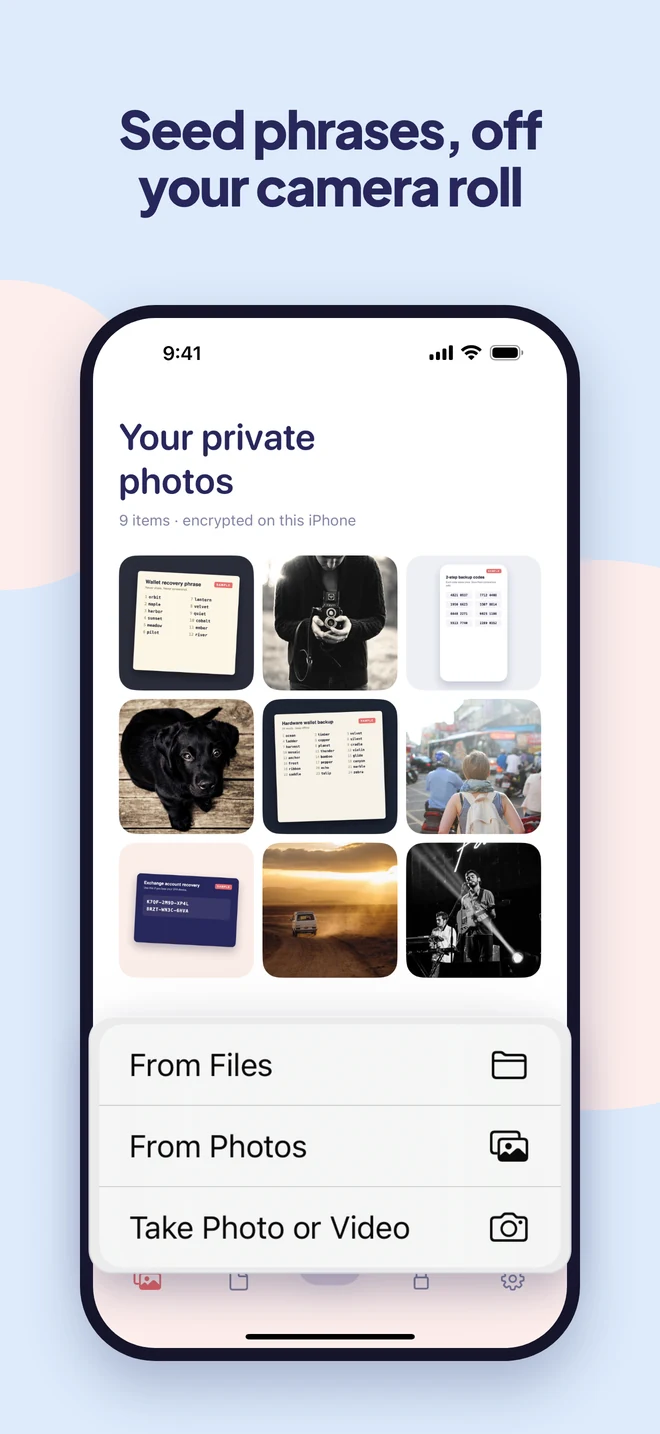
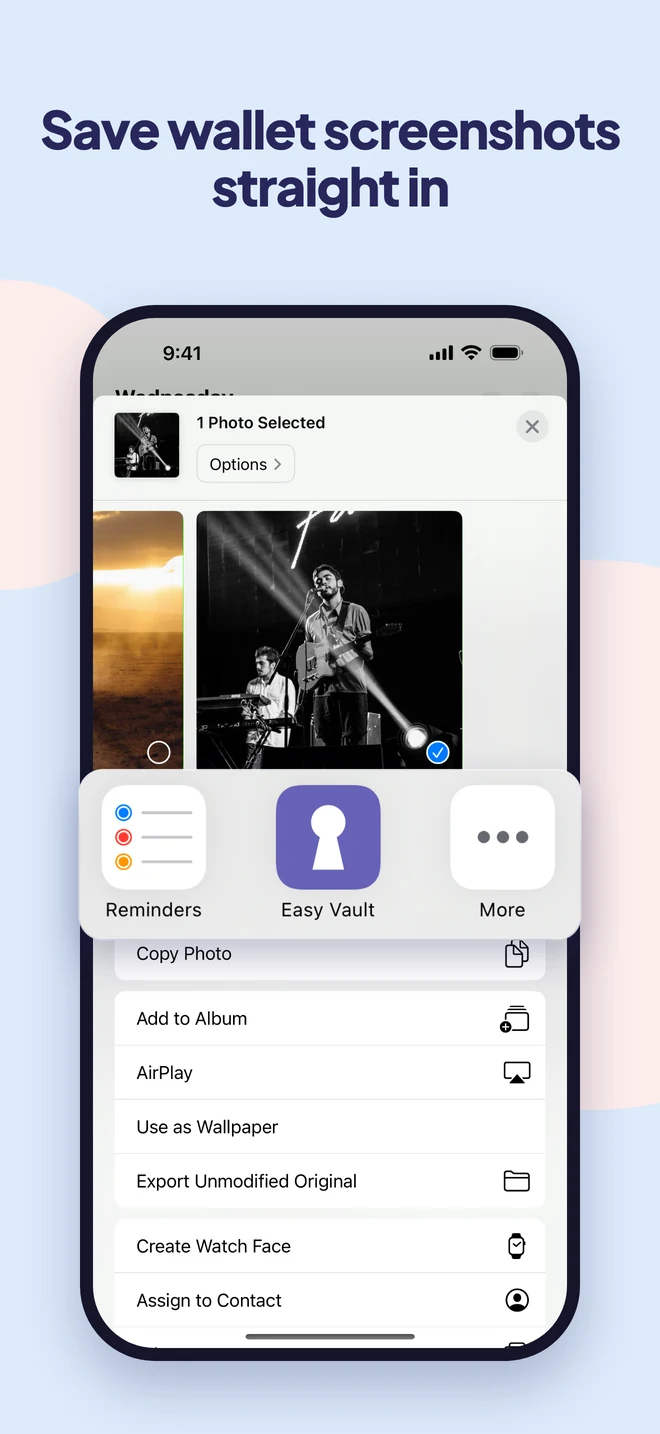
From Photos or Files, or share them straight from your wallet app. They're encrypted the moment they arrive.
Delete the originals
Easy Vault removes them from Photos for you, and shows you how to empty Recently Deleted.
Guides
Learn more.
Questions
Good to know.
Why not keep my seed phrase in Photos?
Any app you give photo access to can read it, it syncs wherever your photos sync, and in 2025 malware was found scanning photo libraries for recovery phrases.
Should this replace my paper or metal backup?
Keep an offline copy too. Easy Vault is for the digital copy you already have, so it is encrypted instead of sitting in your camera roll.
Can Easy Vault see my phrases?
No. Everything is encrypted on your iPhone with a key only you have. There is no account and no server.
What if I lose my phone?
With iCloud backup turned on, restore your vault on a new iPhone with the recovery key you saved at setup.
Keep your keys yours.
Easy Vault is coming to iPhone soon.