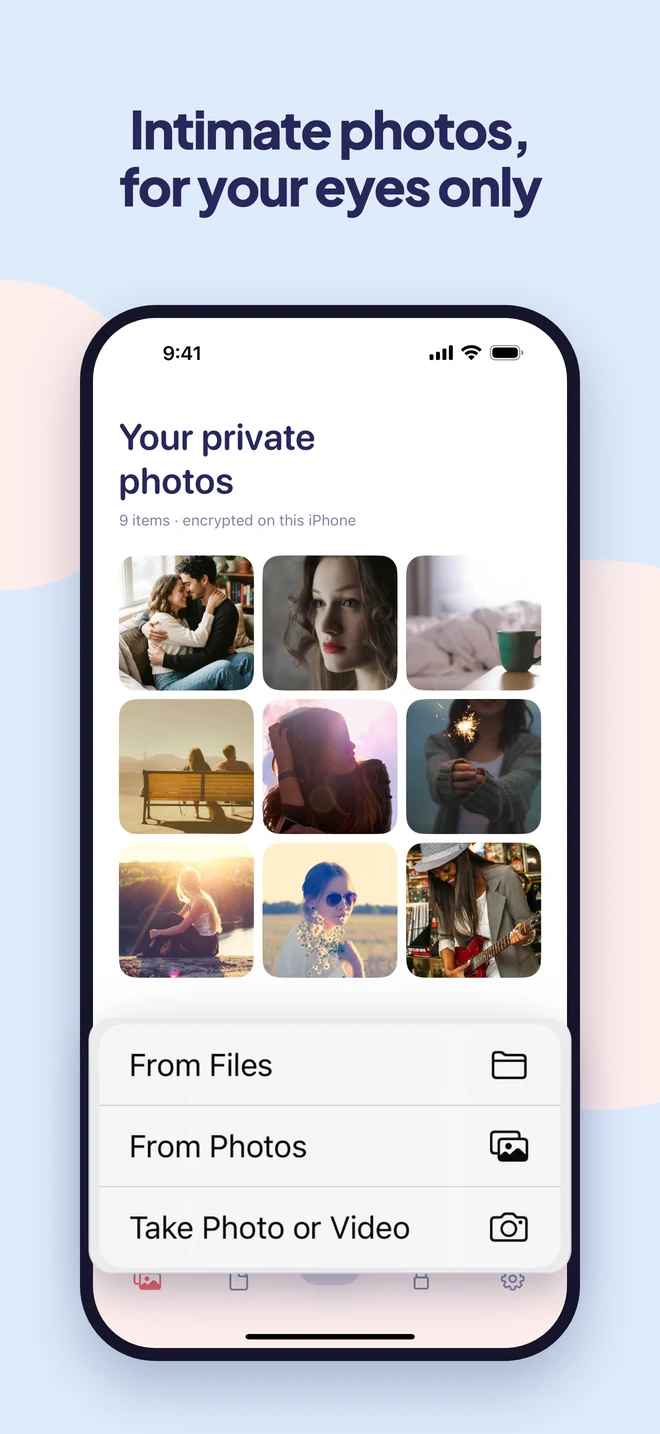
Intimate photos, for your eyes only.
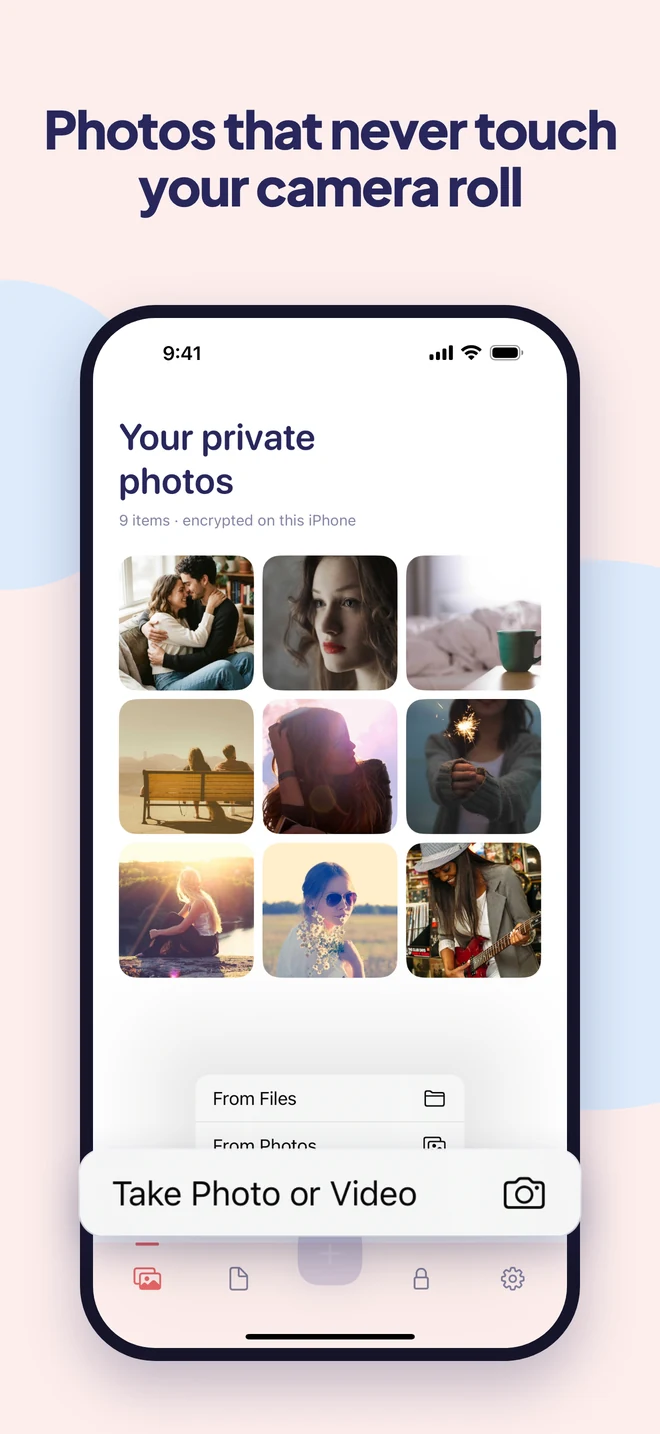
Move the photos meant for one person out of your camera roll and into a vault only you can open. Encrypted on your iPhone, with a decoy vault if someone insists.
- Encrypted on your iPhone
- No account
- No ads or tracking
What people keep in it
The photos you’d never want to flash by accident.
-
Photos meant for one person
The ones you took for someone, not for everyone who borrows your phone.
-
Private videos
Encrypted like everything else, and they play right inside the vault.
-
Screenshots of private chats
Conversations you want to keep, without keeping them in your camera roll.
-
Anything you’d hate to scroll past
In front of your parents, your boss, or a friend looking at your holiday photos.
A closer look
Private, even when someone has your phone.
Why Easy Vault
Peace of mind, without the fuss.
Not just hidden
The iPhone's Hidden album opens with your phone passcode. Easy Vault has its own lock, and every photo is encrypted.
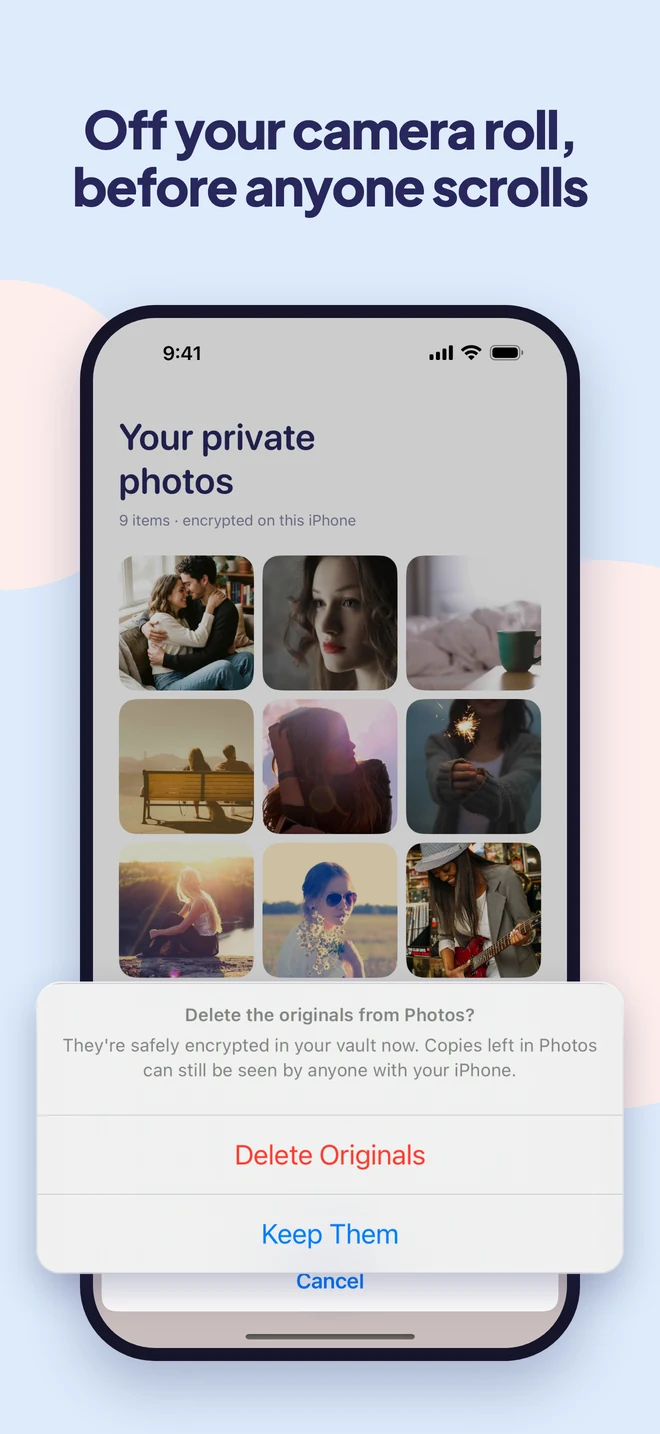
Gone from your camera roll
After you move them in, Easy Vault deletes the originals from Photos and shows you how to clear Recently Deleted.
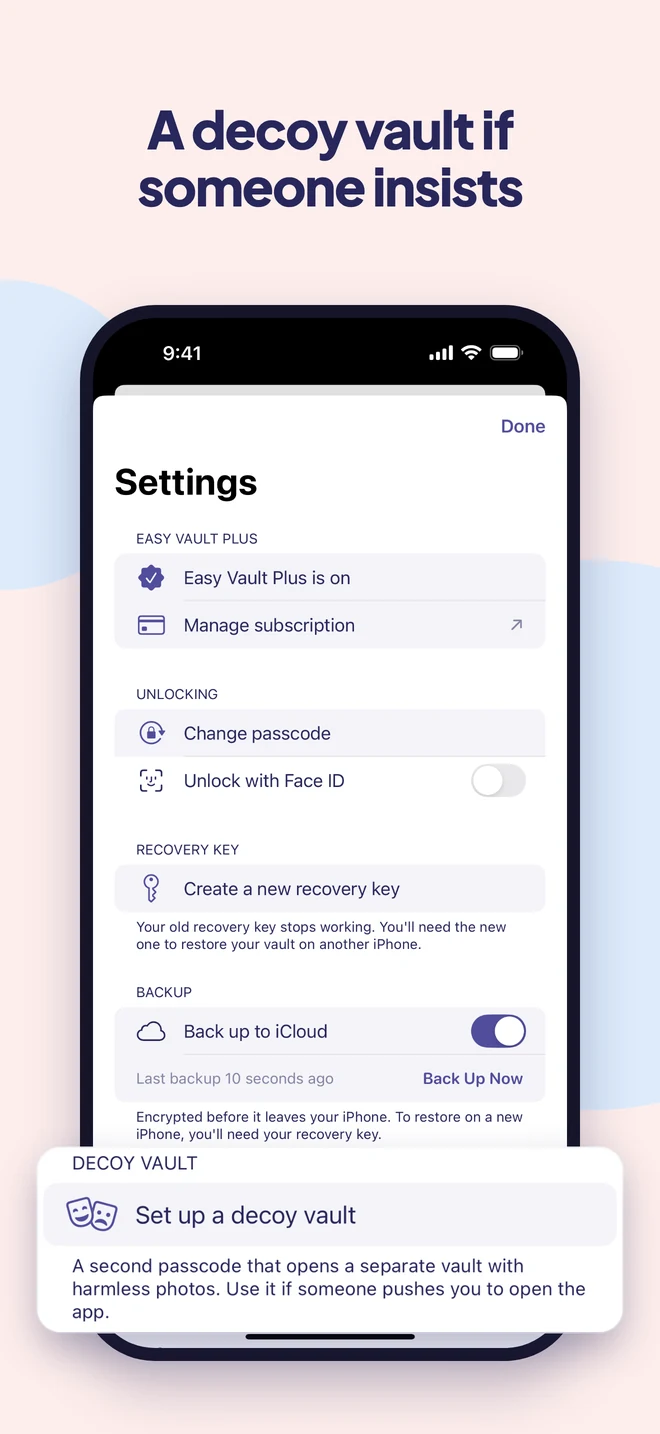
A decoy if someone insists
A second passcode opens a separate vault with harmless photos. Nothing on screen says which one you opened.
How it works
Set up in a minute.
Choose your lock
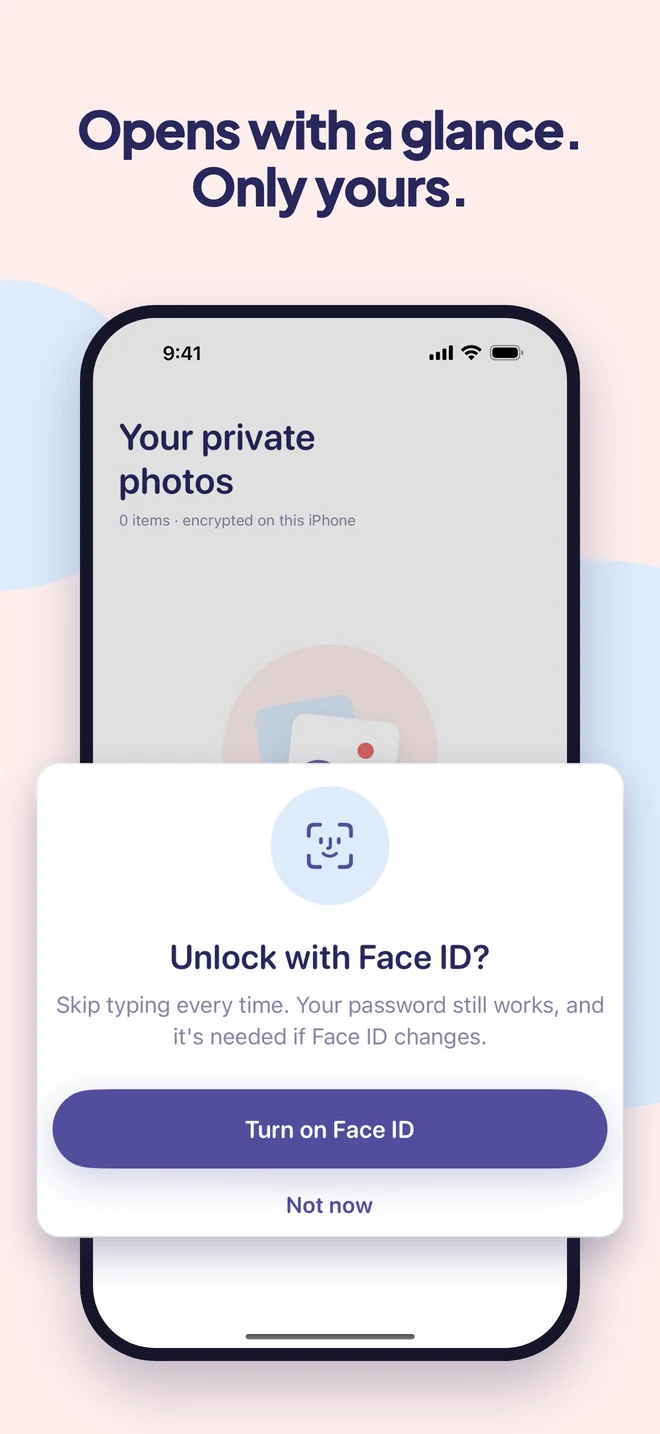
Draw a pattern or pick a password. Face ID can do the everyday unlocking.
Add from anywhere
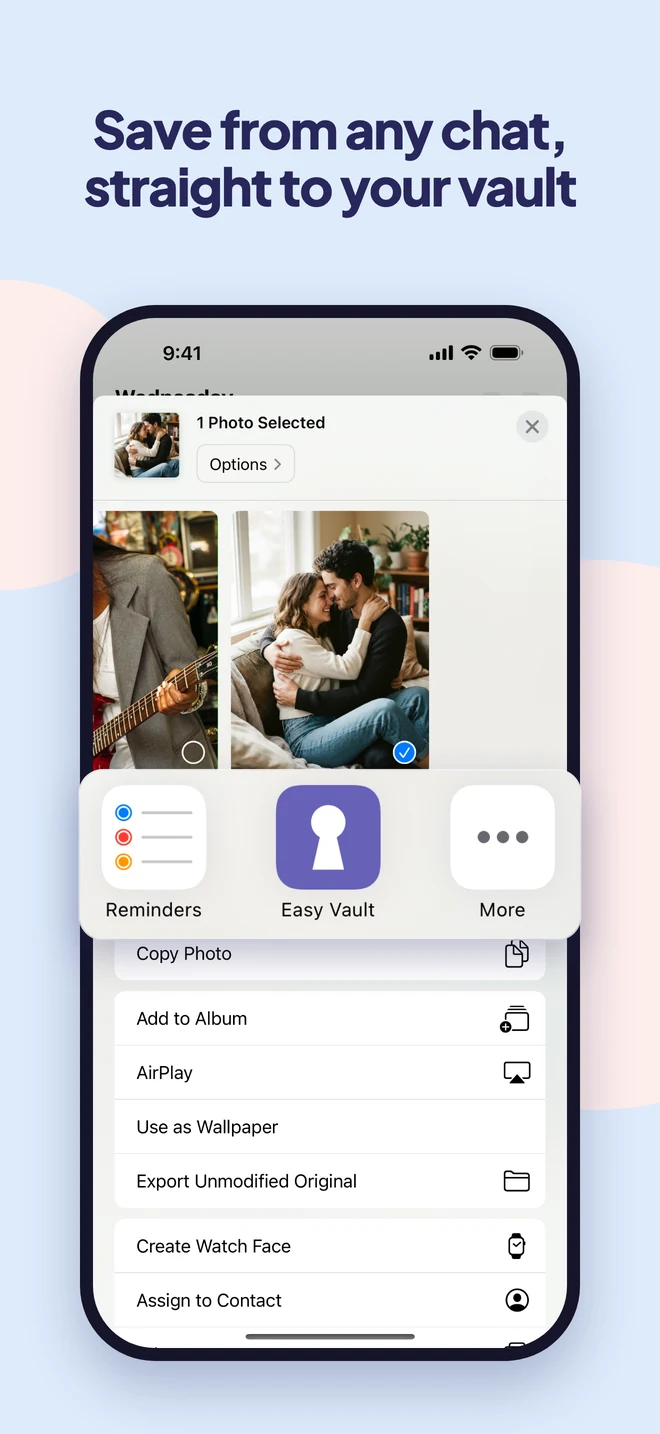
From Photos or Files, the share sheet in any app, or Easy Vault's own camera. Everything is encrypted the moment it arrives.
Clear the originals
Easy Vault removes the copies from Photos for you, and shows you how to empty Recently Deleted.
Guides
Learn more.
- How to Lock Photos on iPhone (and Why Your Passcode Opens Them)Lock photos on iPhone with Face ID: hide them in the locked Hidden album, lock the whole Photos app, or use a separate password your passcode can't open.
- Why Photo Vault Apps Lose Photos: 5 Causes From 2,700 One-Star ReviewsIn the past year, 27% of one-star photo vault app reviews were about lost photos. The five causes reviewers describe, and how to make sure it doesn't happen to you.
- Are Hidden Photos Saved to iCloud? (And Do They Transfer to a New iPhone?)Yes: with iCloud Photos on, hidden photos sync to iCloud and your other devices. Here's what that means, how they move to a new iPhone, and how to keep photos out of iCloud.
- Does iPhone Have a Guest Mode? How to Lend Your Phone SafelyiPhone has no guest mode or second user. Here's how to hand over your phone without handing over everything: Guided Access, locked apps, and keeping private photos out of reach.
Questions
Good to know.
Can someone who knows my phone passcode see them?
No. Easy Vault has its own pattern or password, separate from your phone’s passcode, and every photo is encrypted with it.
Will they still show up in Photos or Memories?
Not once you delete the originals, which Easy Vault offers to do right after you add them. It also shows you how to empty Recently Deleted.
Can I take private photos without them going to my camera roll?
Yes. Use the camera inside Easy Vault. Photos and videos go straight into your vault and are never saved to Photos or iCloud Photos.
What if someone makes me open the app?
Set up a decoy vault. Its passcode opens a separate vault with harmless photos, and nothing shows that another vault exists.
Can Easy Vault see my photos?
No. They are encrypted on your iPhone with a key only you have. There is no account and no server, so there is nothing for us to look at.
Some photos are just for you.
Easy Vault is coming to iPhone soon.