Passports and IDs, locked away.
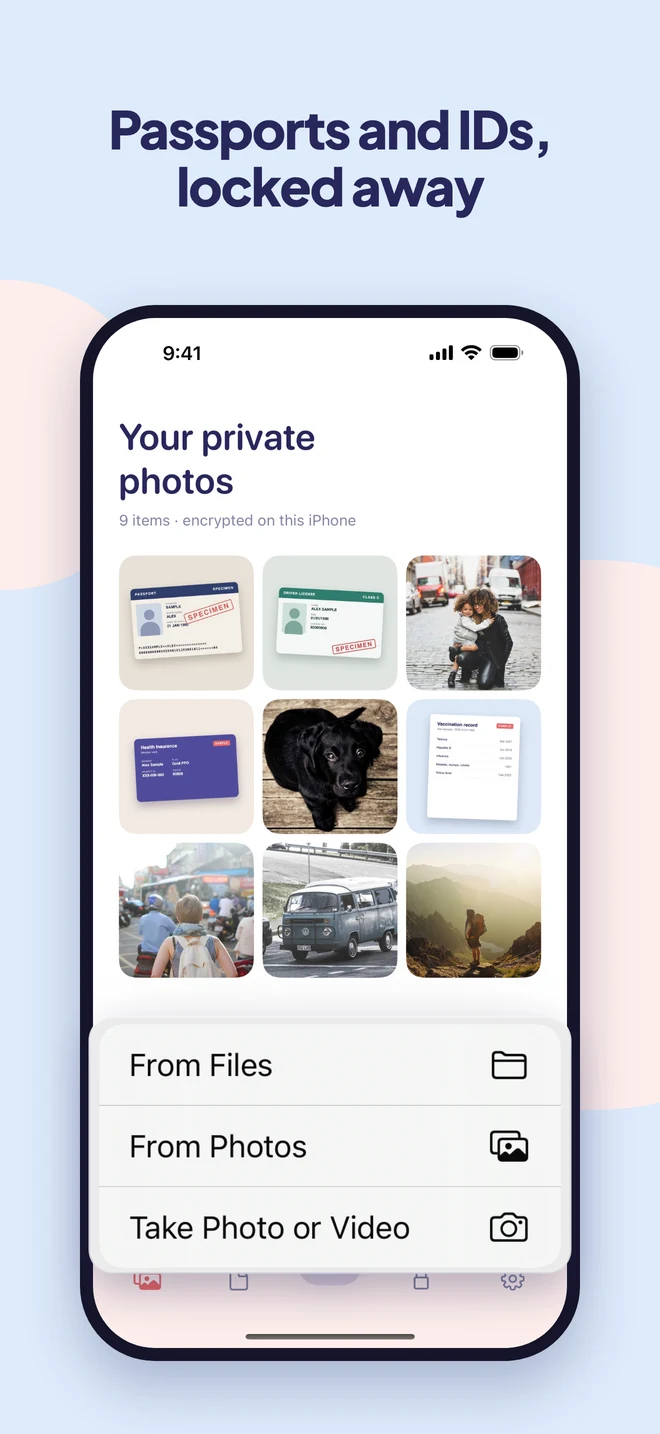
Keep copies of your passport, license, insurance and records encrypted on your iPhone instead of sitting in your camera roll. Ready in a glance when someone asks.
- Encrypted on your iPhone
- No account
- No ads or tracking
What people keep in it
The documents you need, but not in your camera roll.
-
Passport and visas
A copy for the hotel desk, the rental counter, or the day the original goes missing.
-
Driver’s license and ID
Front and back, ready when a form or an app asks for a photo of it.
-
Insurance and medical cards
Health insurance, vaccination records, prescriptions. Ready at the doctor’s.
-
PDFs and records
Bank letters, contracts, certificates. Add them straight from Files.
A closer look
Ready when you need them. Locked when you don’t.
Why Easy Vault
Peace of mind, without the fuss.
Ready in a glance
Face ID opens your vault in a second, so showing your ID at a desk is quicker than finding it in your camera roll.
Out of your camera roll
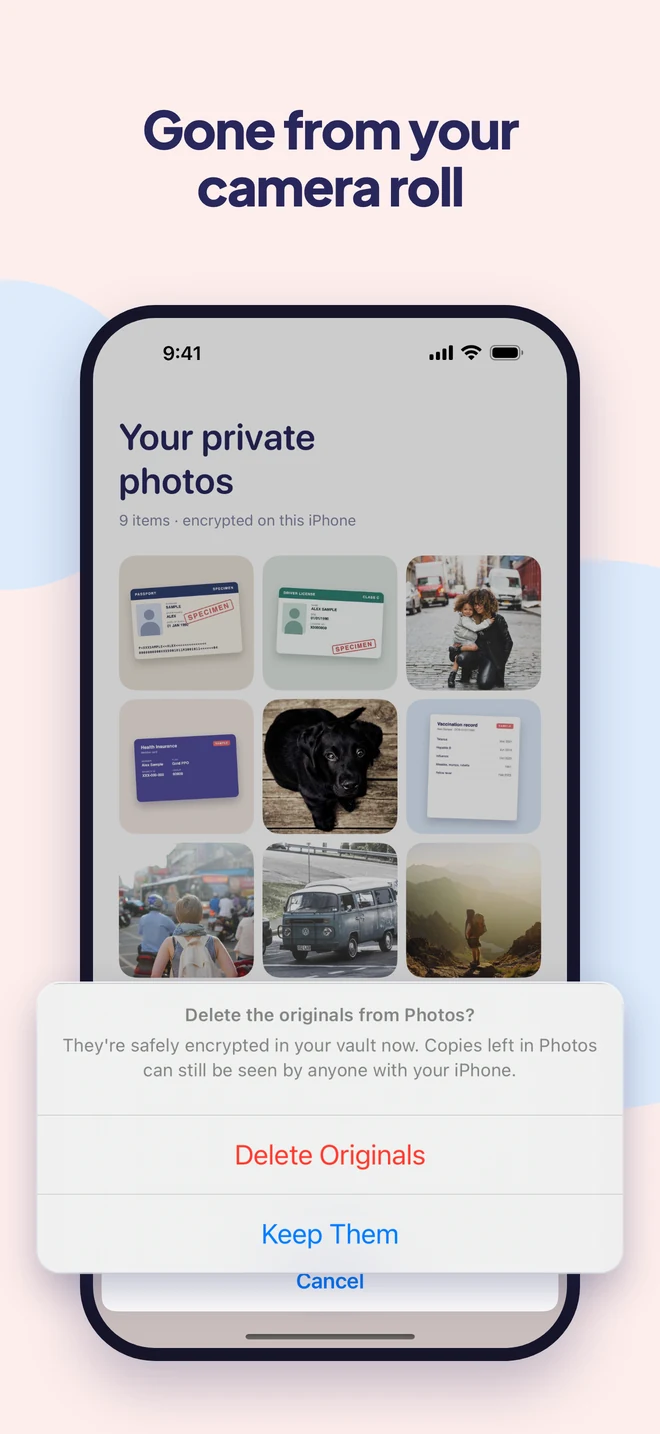
Photos of IDs sitting next to your lunch photos are easy to overshare. Easy Vault moves them out and deletes the originals.
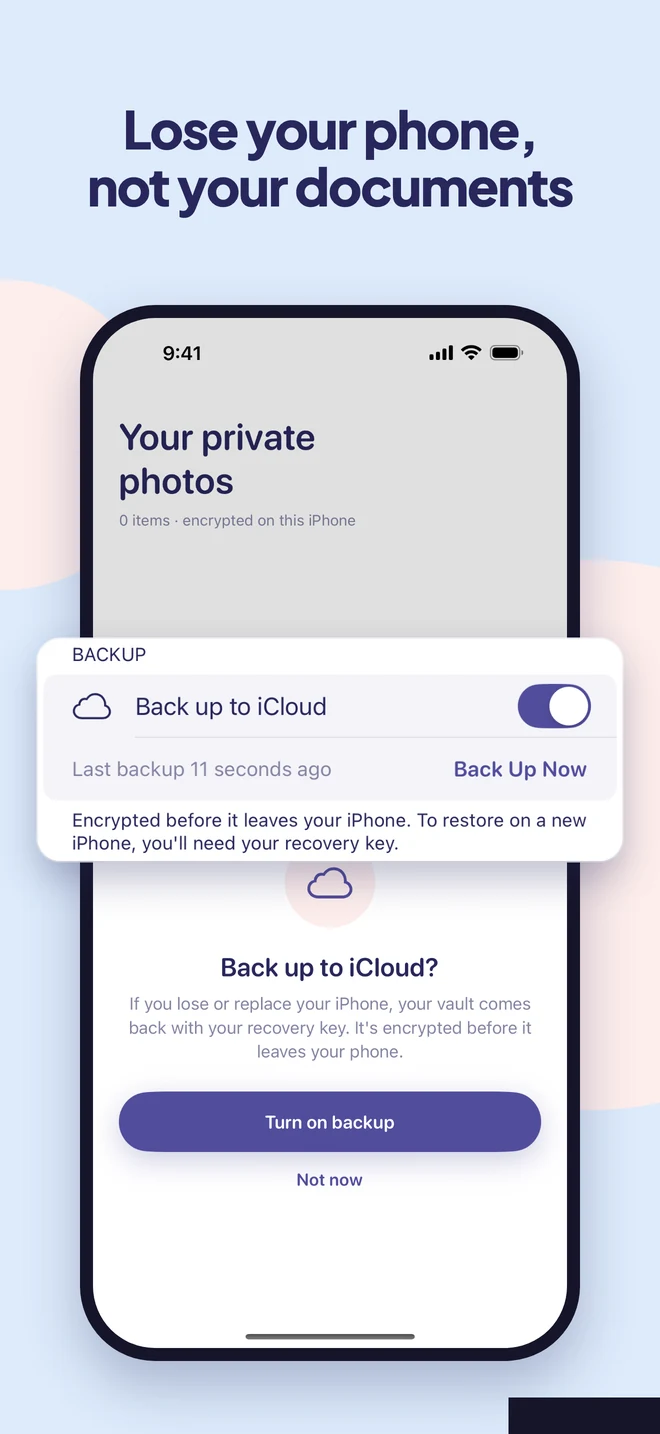
Lose your phone, not your documents
Turn on iCloud backup and your vault comes back on a new iPhone with your recovery key, still encrypted.
How it works
Set up in a minute.
Choose your lock
Draw a pattern or pick a password. Face ID can do the everyday unlocking.
Add from anywhere
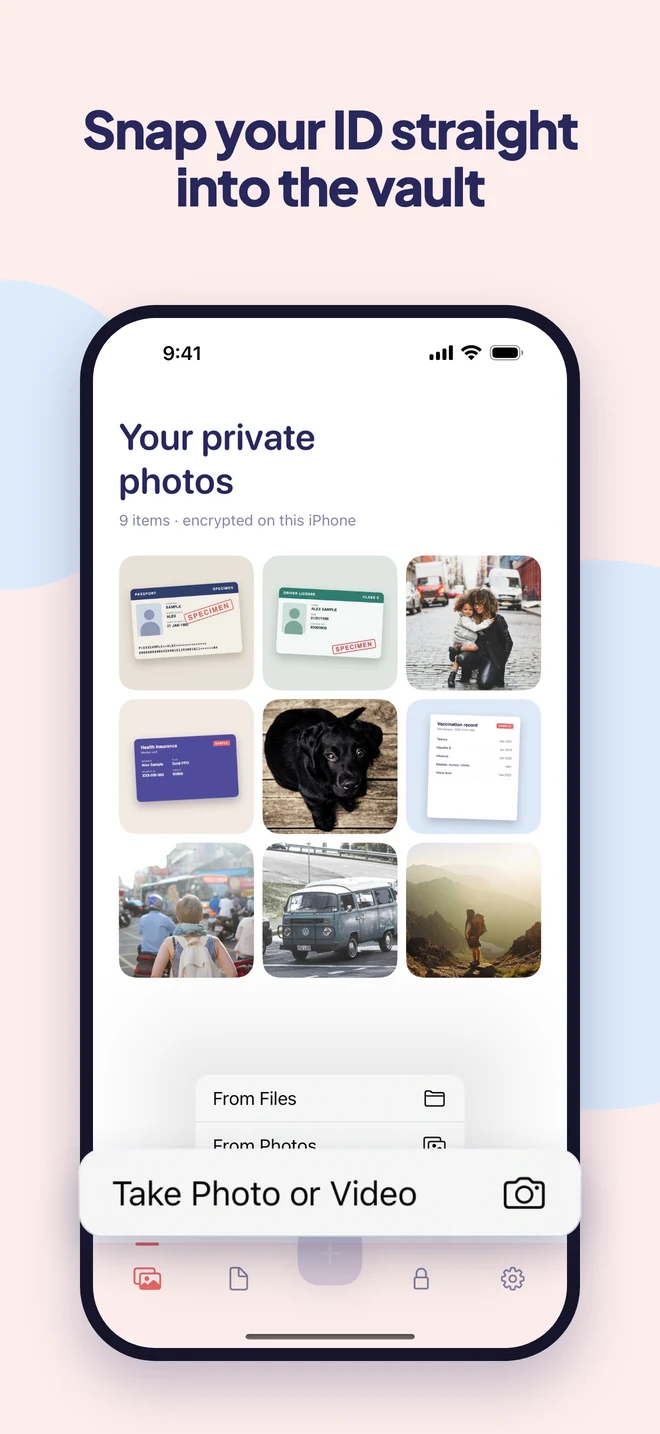
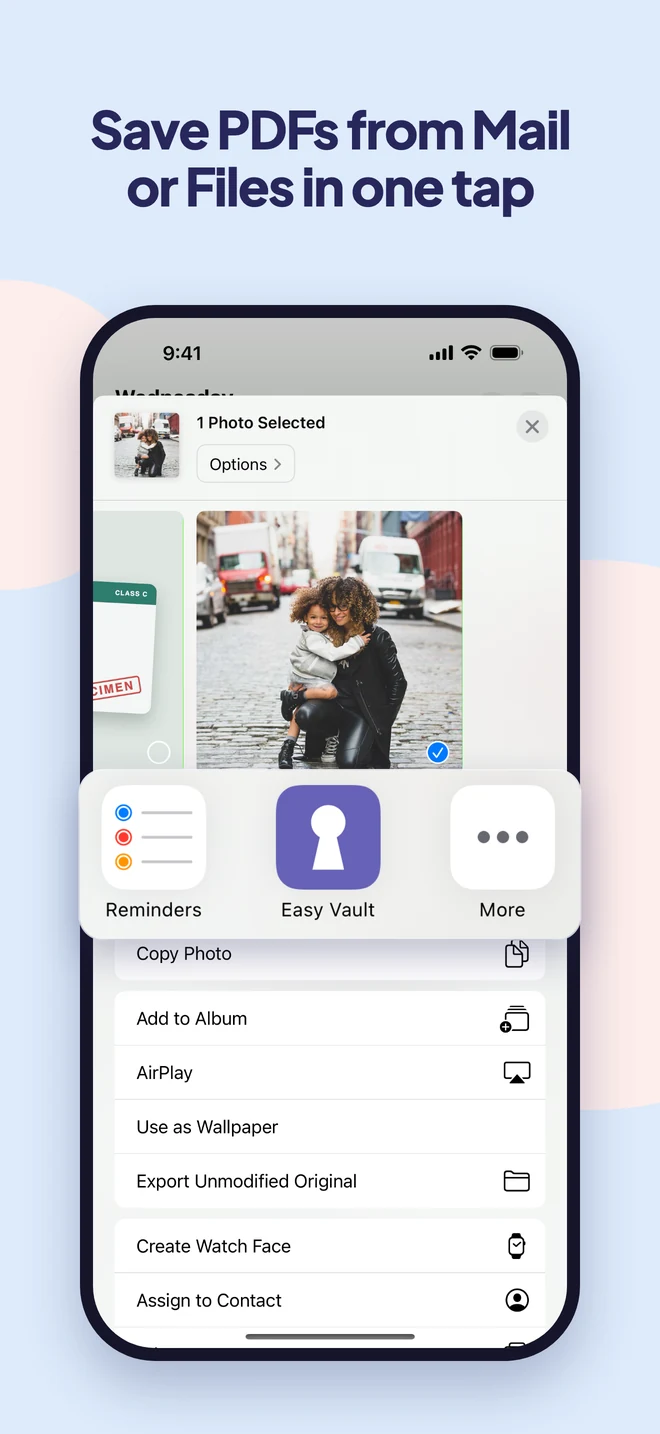
From Photos or Files, the share sheet in any app, or Easy Vault's own camera. Everything is encrypted the moment it arrives.
Clear the originals
Easy Vault removes the copies from Photos for you, and shows you how to empty Recently Deleted.
Guides
Learn more.
- How to Lock Notes on iPhoneLock a note on iPhone in a few taps: open it, tap More, then Lock. Here's how to choose a passcode or a separate password, what can't be locked, and what to do if you forget.
- How to Lock a Folder on iPhone (What Works and What Doesn't)iPhone can't put a password on a folder in the Files app or on the Home Screen. Here's what you can lock instead: apps with Face ID, notes, the Hidden album, or a vault.
- How to Scan a Passport or ID with Your iPhoneScan your passport or driver's license into a clean PDF with the Notes or Files app, no extra app needed, then keep the scan somewhere safer than your camera roll.
- How to Store a Passport Photo Securely on Your PhoneKeeping a copy of your passport on your iPhone is smart for travel. Here's how to do it without leaving it in your camera roll for every app to see.
Questions
Good to know.
Is it safe to keep a photo of my passport on my phone?
In your camera roll, it is one tap from being shared or synced. Encrypted in Easy Vault, it can only be opened with your pattern, password or Face ID.
Can I add PDFs, not just photos?
Yes. Add files straight from the Files app, and they are encrypted like everything else.
Can I photograph my ID straight into the vault?
Yes. Easy Vault's own camera saves the photo directly into your vault, so it never lands in your camera roll. Documents you get by email or in other apps can be shared straight to Easy Vault too.
Does it work without internet?
Yes. Everything is stored and encrypted on your iPhone, so your documents open anywhere, even on a plane.
What if I lose my phone?
With iCloud backup turned on, restore your vault on a new iPhone with the recovery key you saved at setup. The backup is encrypted before it leaves your phone.
Your documents, ready and locked.
Easy Vault is coming to iPhone soon.