Private photos, actually private.
Move your private photos, videos and IDs out of your camera roll and into a vault that only you can open. Simple enough for anyone.
- Encrypted on your iPhone
- No account
- No ads or tracking
What you can keep safe
The things your camera roll shouldn't hold.
-
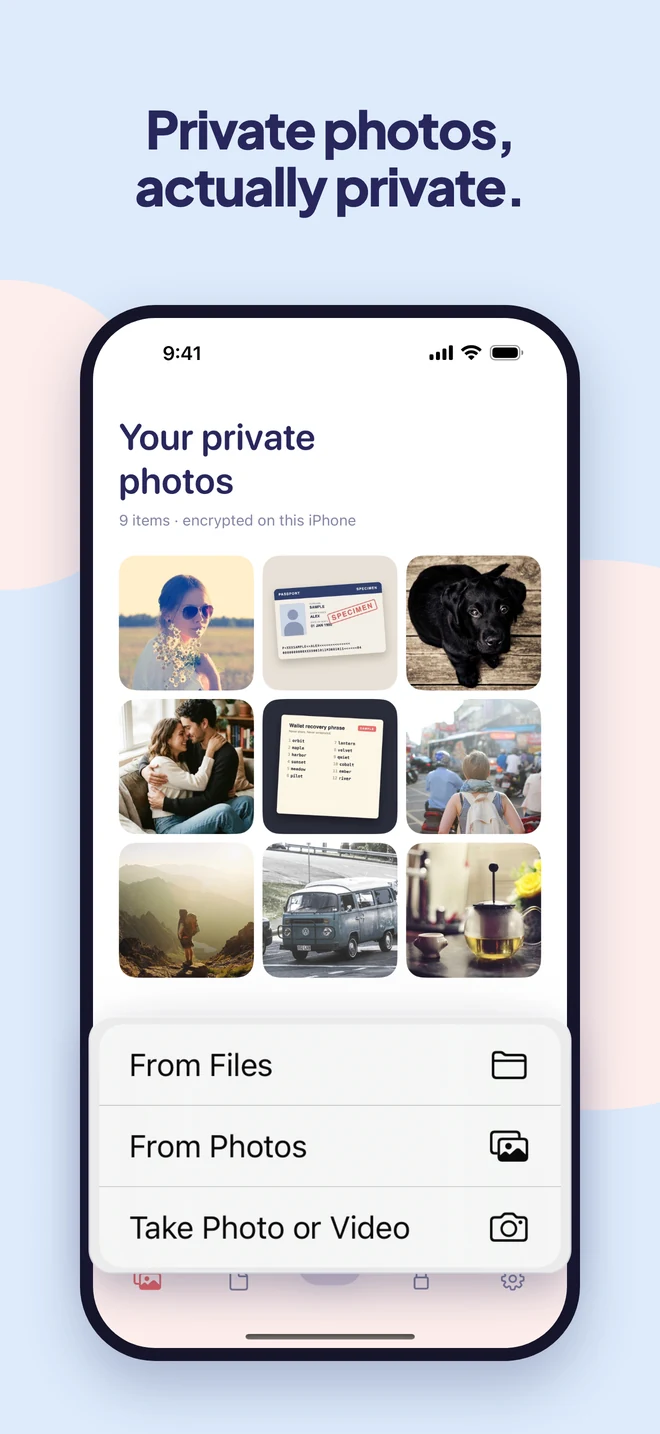
Photos that are just yours
Hand someone your phone to show one picture without showing them everything else.
-
Passport, license, insurance
Ready when a hotel or doctor asks, instead of sitting in your camera roll.
-
Recovery phrases and codes
The screenshots scam apps hunt for. Keep them somewhere they can't reach.
-
Letters and records
Medical results, bank letters, anything you'd rather keep to yourself.
A closer look
Everything stays on your phone, locked.
Why Easy Vault
Peace of mind, without the fuss.
Really locked, not just hidden
Many vault apps only hide your photos. Easy Vault encrypts every file the moment it arrives, so it can only be opened on your iPhone, by you.
No account, no ads
No sign-up, no email, no ad trackers. Your files never leave your phone, because we have no servers to send them to.
Only you hold the key
Not us, not Apple, not anyone else. That's why nobody can open your vault, and why we can't reset it for you.
How it works
Set up in a minute.
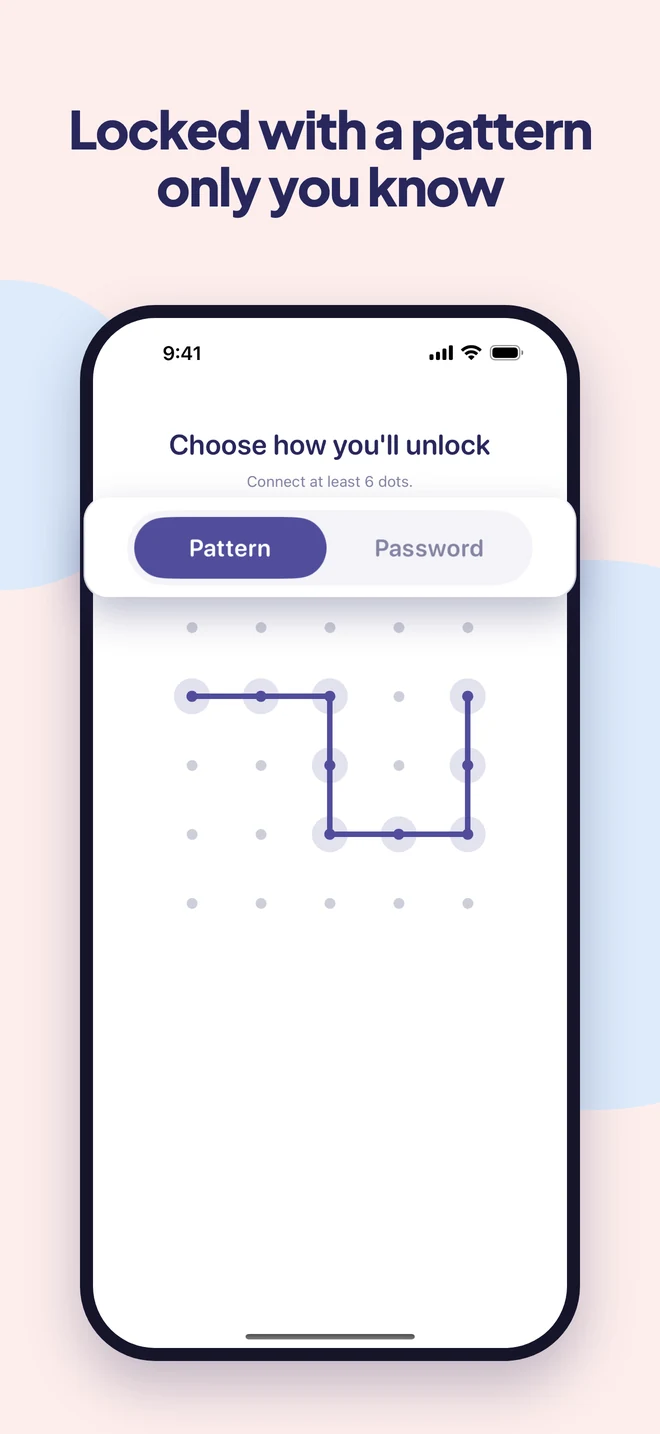
Choose your lock
Draw a pattern or pick a password. Face ID can do the everyday unlocking.
Add from anywhere
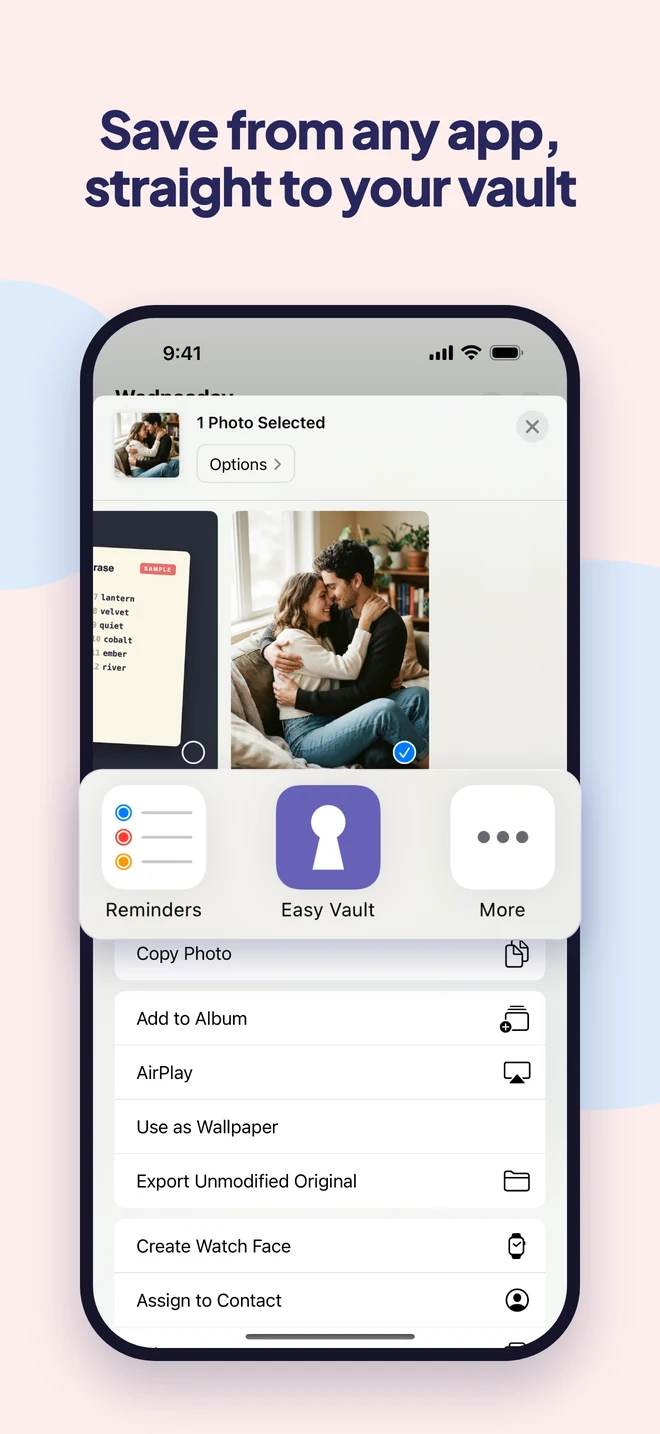
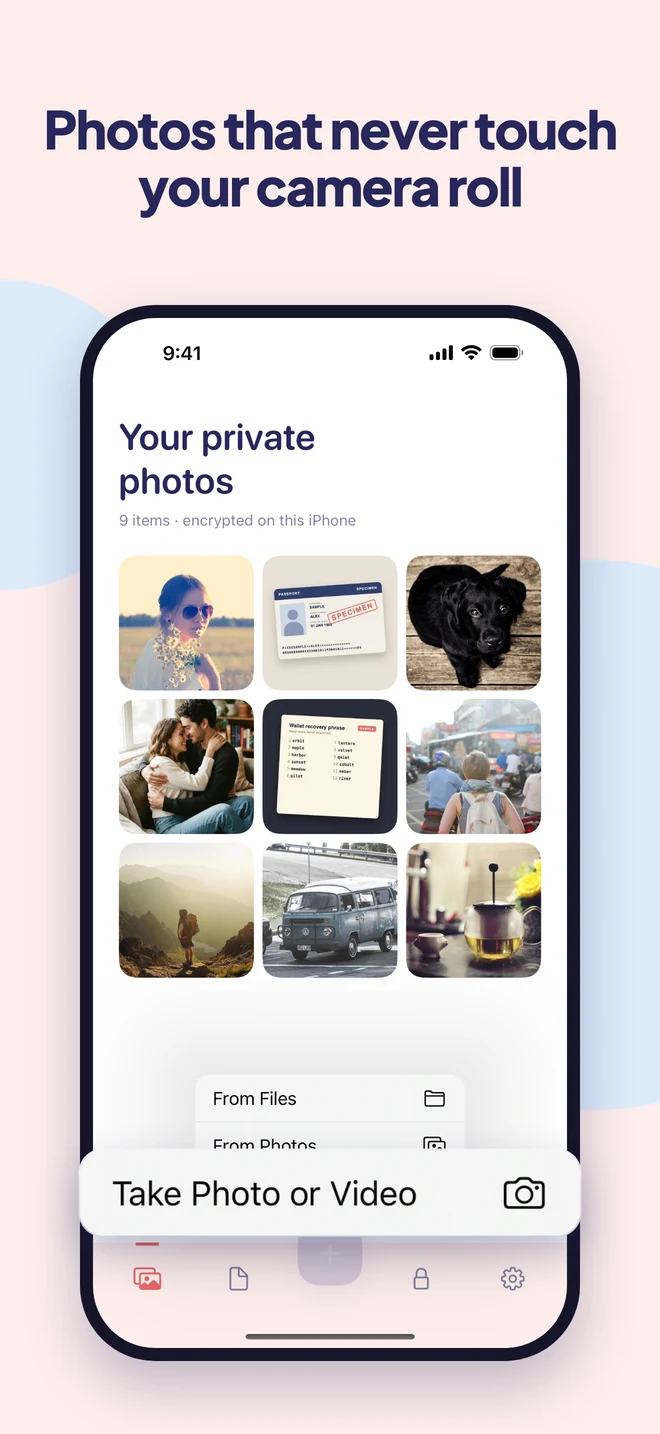
From Photos or Files, the share sheet in any app, or Easy Vault's own camera. Everything is encrypted the moment it arrives.
Clear the originals
Easy Vault removes the copies from Photos for you, and shows you how to empty Recently Deleted.
Guides
Learn more.
- How to Lock Photos on iPhone (and Why Your Passcode Opens Them)Lock photos on iPhone with Face ID: hide them in the locked Hidden album, lock the whole Photos app, or use a separate password your passcode can't open.
- How to Lock Notes on iPhoneLock a note on iPhone in a few taps: open it, tap More, then Lock. Here's how to choose a passcode or a separate password, what can't be locked, and what to do if you forget.
- How to Permanently Delete Photos on iPhoneDeleted photos stay in Recently Deleted for 30 days. Here's how to remove them for good on iPhone, plus the copies in iCloud, shared albums, chats and backups.
- Can You Trust Photo Vault App Ratings? Listed Stars vs Recent ReviewsOf 22 photo vault apps, 10 averaged a full star lower in recent reviews than their App Store rating. Why listed stars lag, and how to read reviews before you choose.
Questions
Good to know.
Is it really encrypted, or does it just hide my photos?
Really encrypted. Every photo, video and file is scrambled on your iPhone before it is saved. Without your pattern, password or Face ID, it is unreadable, even to us.
How is this different from the Hidden album?
Anyone who knows your phone's passcode can open the Hidden album, and those photos are stored like any other. Easy Vault has its own lock, and every file is encrypted.
What if I forget my password or pattern?
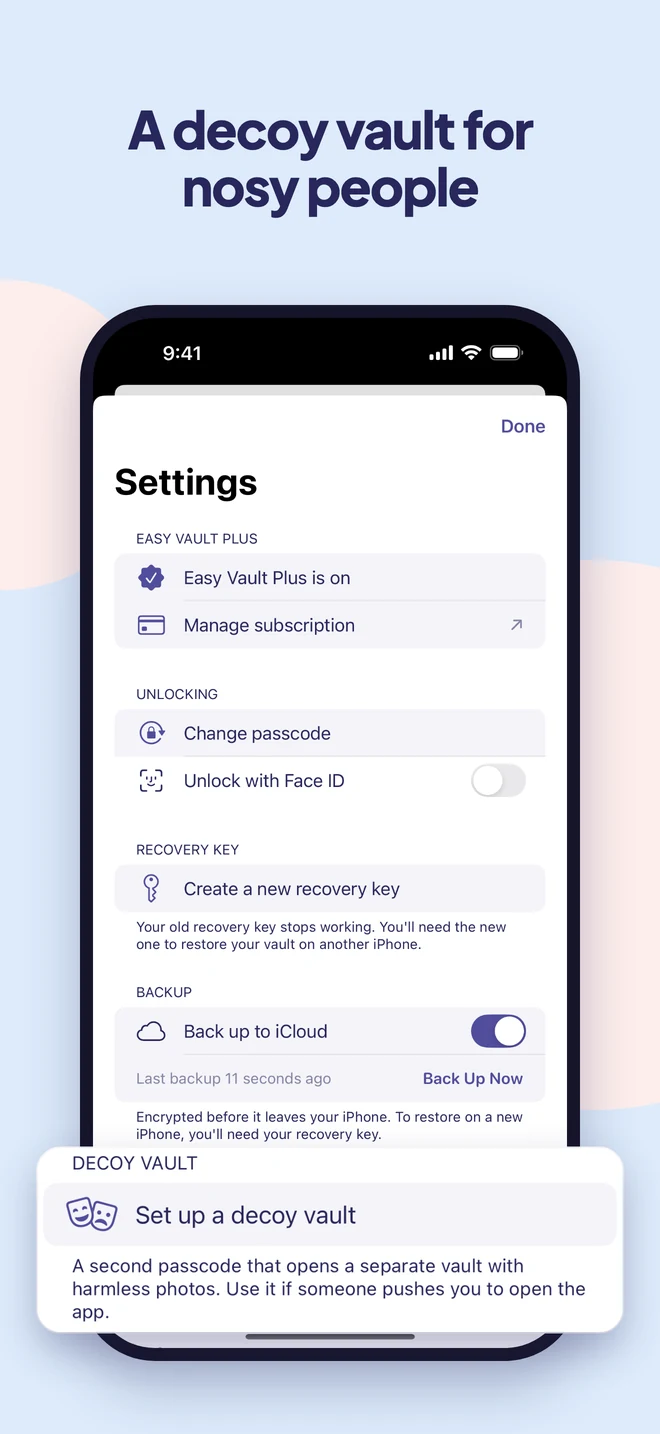
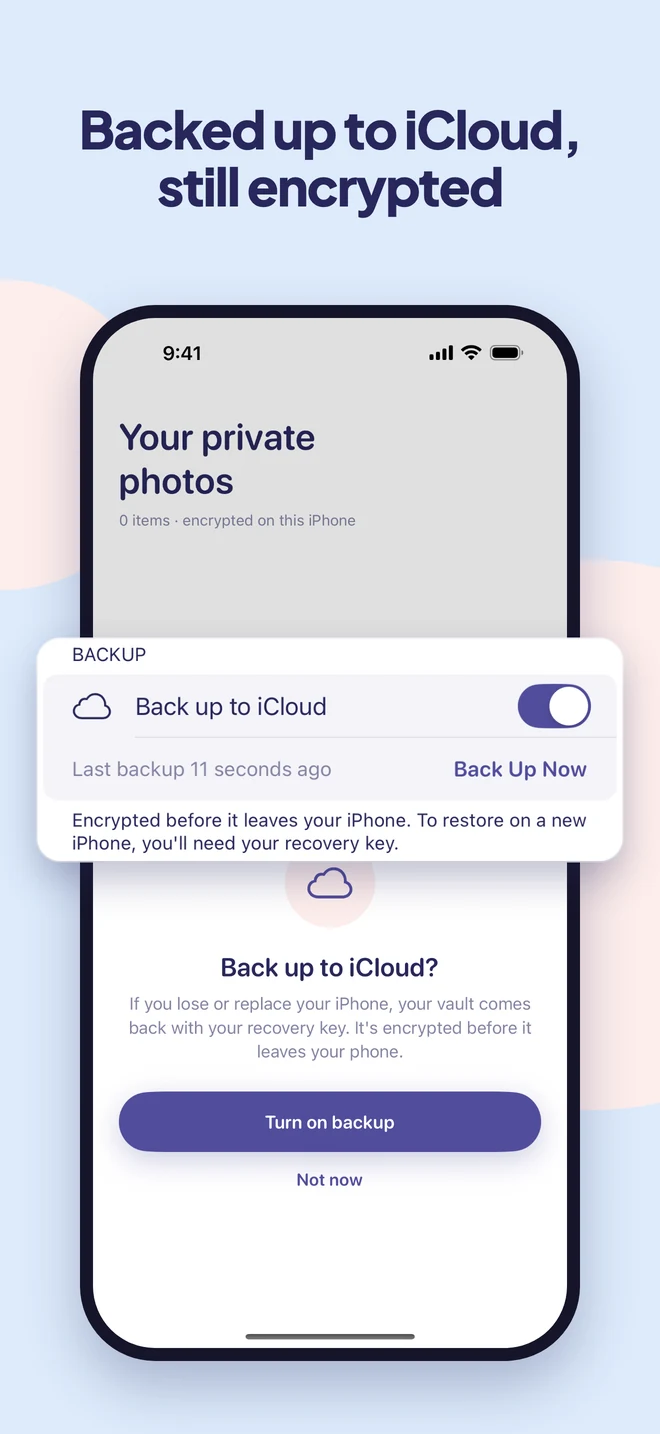
When you set up your vault, you get a recovery key. Keep it somewhere safe: it is the only way back in, because nobody else has a copy of your key.
What happens if I delete the app?
Your vault is deleted from your iPhone along with the app. If you turned on iCloud backup, an encrypted copy stays in your iCloud, and you can restore it by reinstalling Easy Vault and entering your recovery key.
Can I save photos from WhatsApp or other apps?
Yes. Tap Share in any app and choose Easy Vault. The photo is encrypted right away and appears in your vault the next time you open it.
Can I take photos that never go to my camera roll?
Yes. Easy Vault has its own camera. Photos and videos you take with it go straight into your vault and are never saved to Photos.
Is Easy Vault on Android?
No. Easy Vault is only for iPhone and iPad. There's no Android version.
Do I need an account?
No. There is no sign-up and no email, and your files stay on your phone.
Keep what's private, private.
Easy Vault is coming to iPhone soon.